
🛠️ For Engineers
How To Use the Platform
Everything you need to know — from signing up to getting paid.
1
Sign Up & Onboard
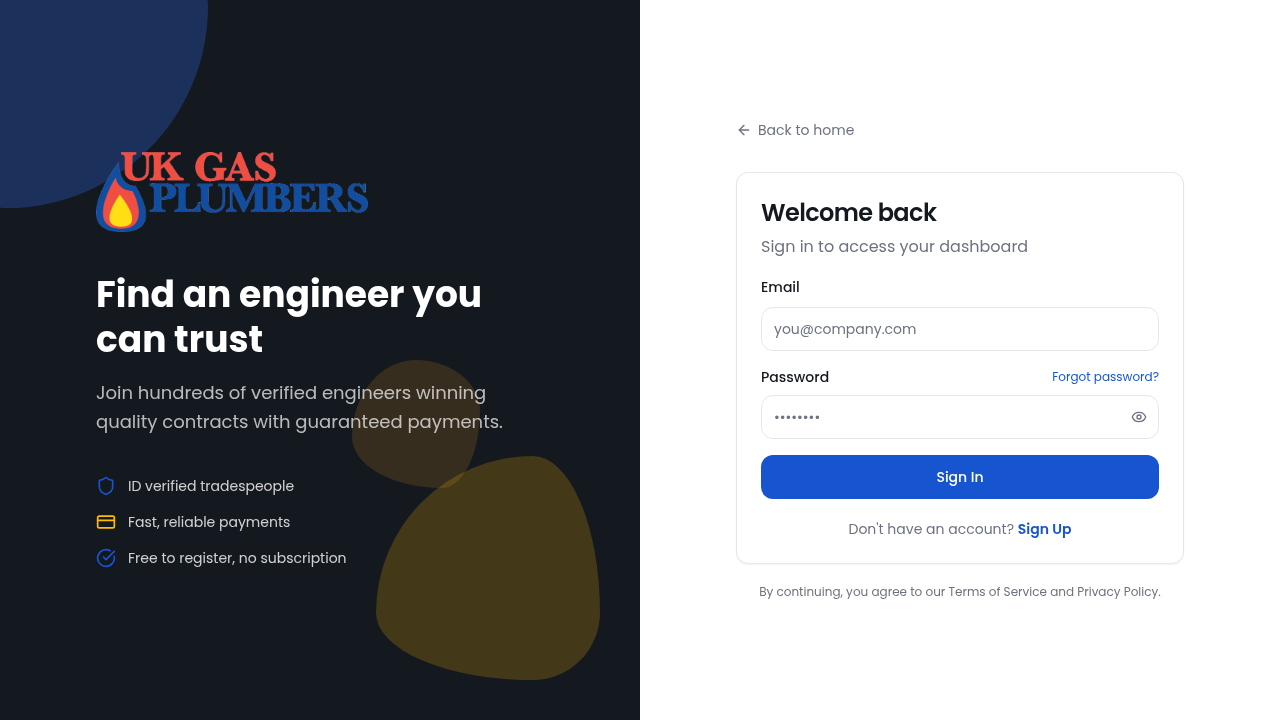
- Sign up and select Engineer as your account type
- Complete your profile: specialties, work postcode, coverage radius, years of experience
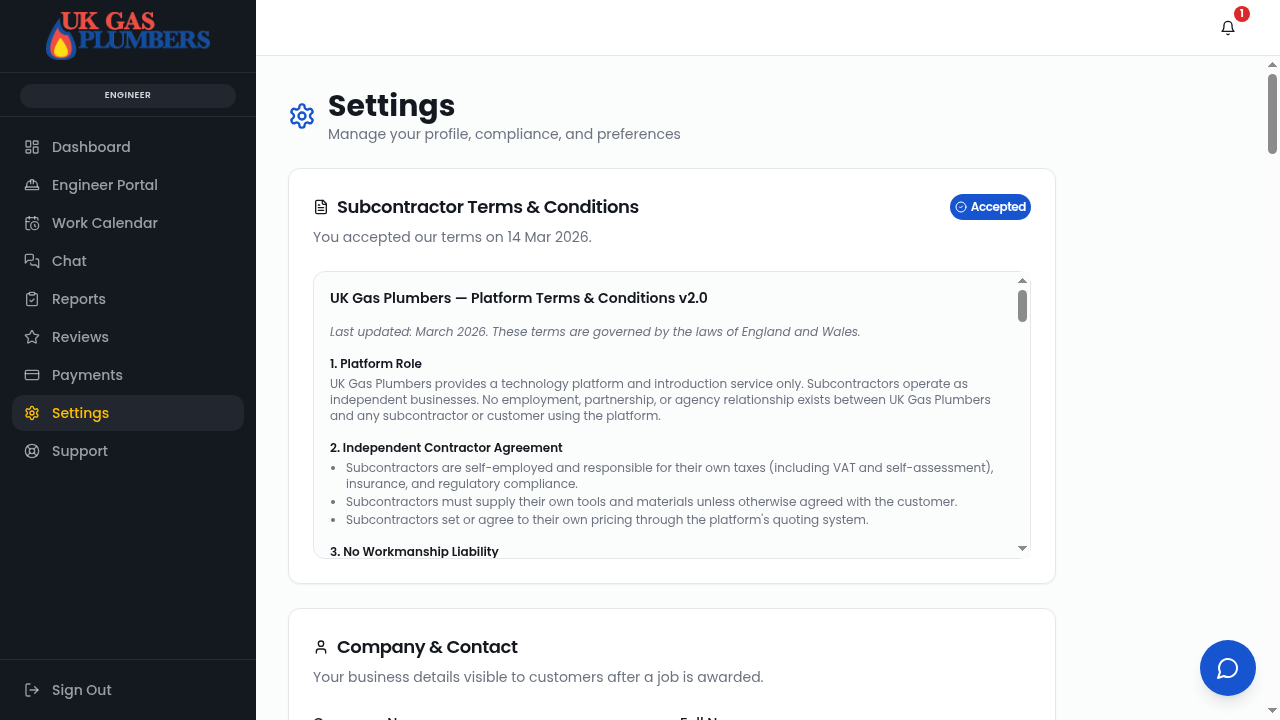
- Upload certifications (Gas Safe, NICEIC, etc.) and insurance documents for verification
2
Get Verified
- Your documents are reviewed (AI-assisted + admin approval)
- Once approved, you will be able to provide quotations on available jobs
3
Receive Job Requests
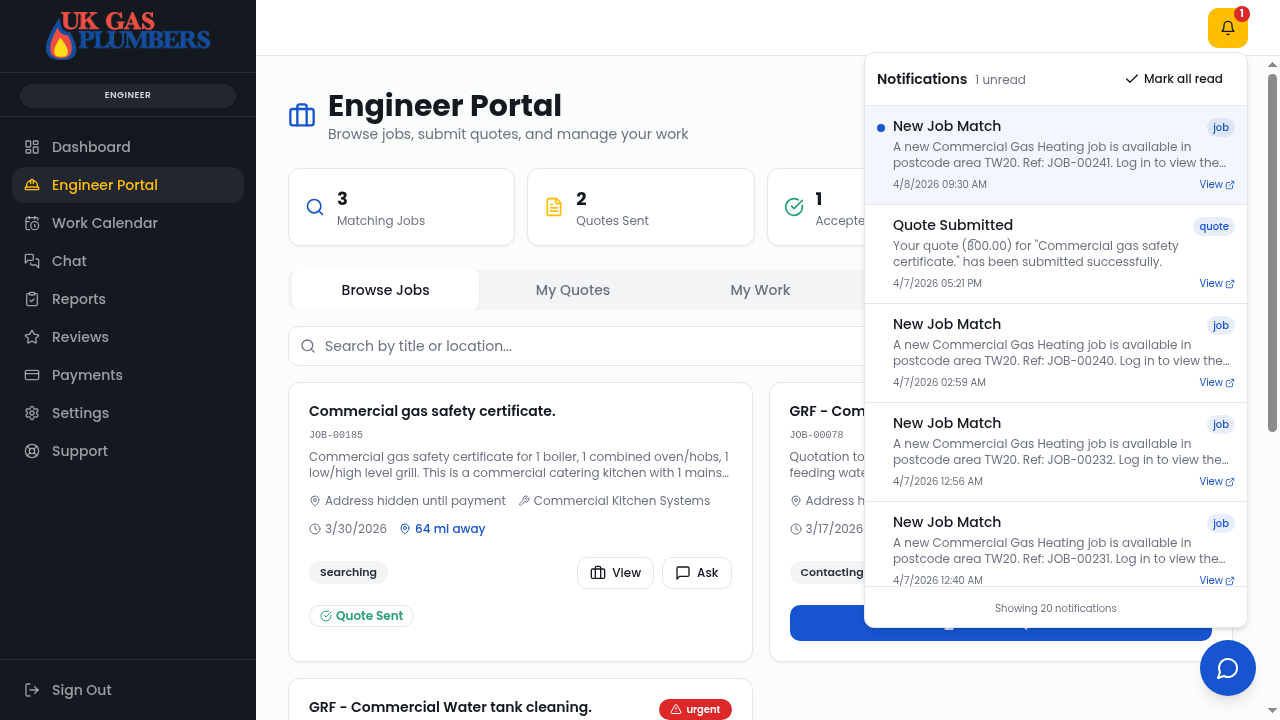
- You'll get notifications (email/push) when a new job matches your specialties and location
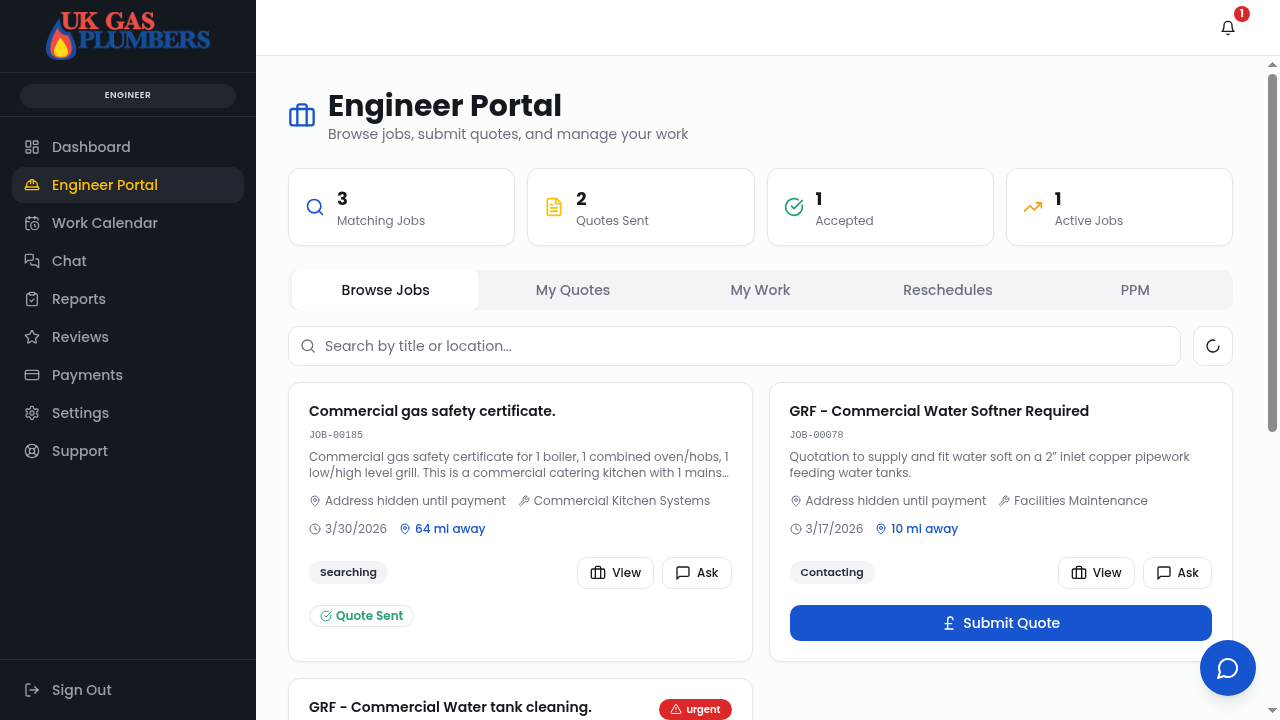
- Go to Quotes to see available job requests
4
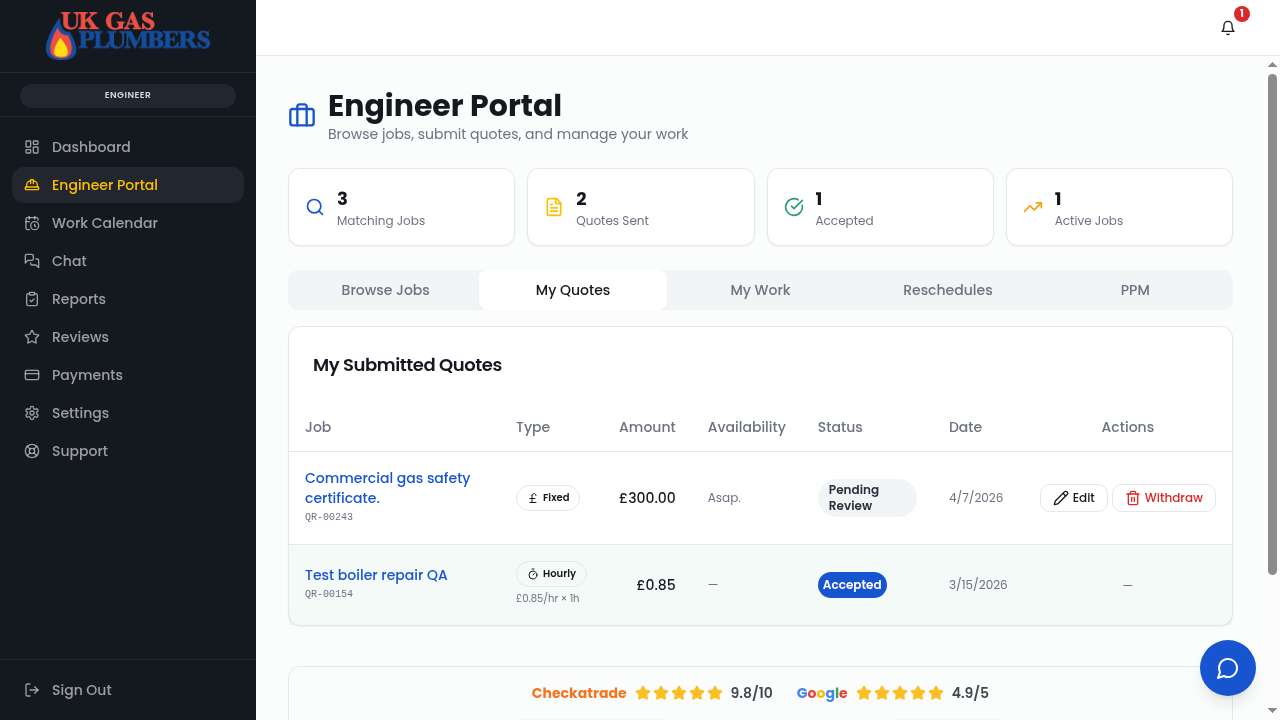
Submit a Quote
- Review the job details, description, and any uploaded photos
- Submit your quote — choose Fixed Price or Hourly Rate
- Add availability, notes, and whether materials are required
- Optionally request a deposit for materials
5
Get Awarded
- If the customer accepts your quote, you'll be notified
- The job moves to Awarded — you can now chat directly with the customer
6
Complete the Job
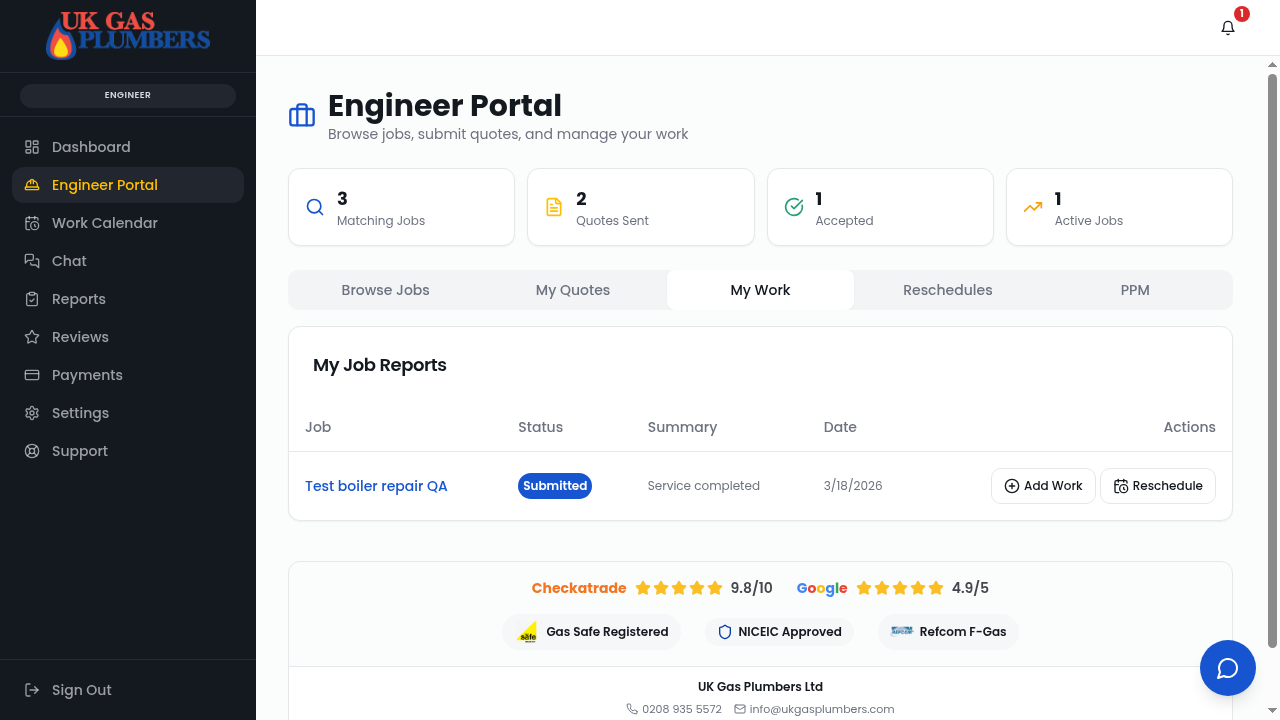
- Once the work is done, go to the job and submit a Job Report + upload certificate + images
- Include any additional materials or time spent onsite (Do not overcharge — be transparent with the customer)
- Add notes, get the customer's signature on-screen, and mark it complete on site
7
Get Paid
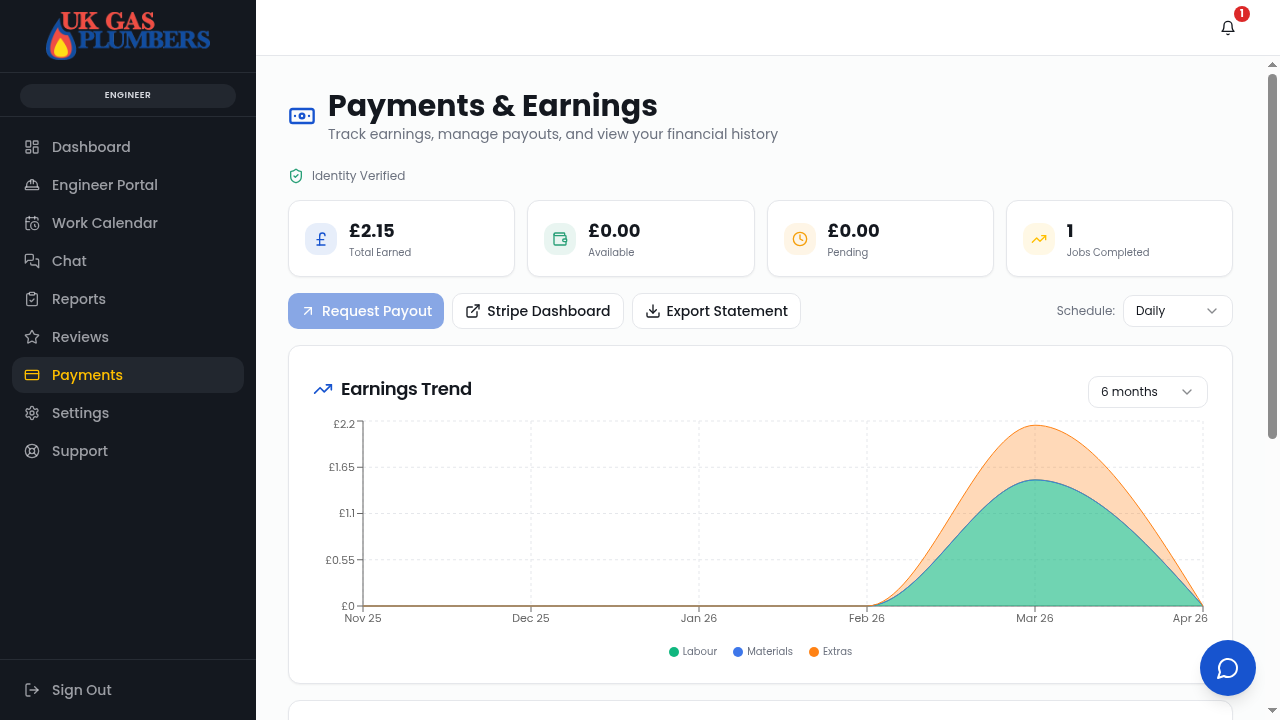
- Set up your Stripe payout account under Payments & Earnings
- Complete Stripe onboarding (KYC identity verification, bank account for automated payments)
- After the 14-day escrow period, your earnings are released automatically into your bank account
- Track all your earnings, pending payouts, and history from the Payments page
8
PPM Contracts (Recurring Work)
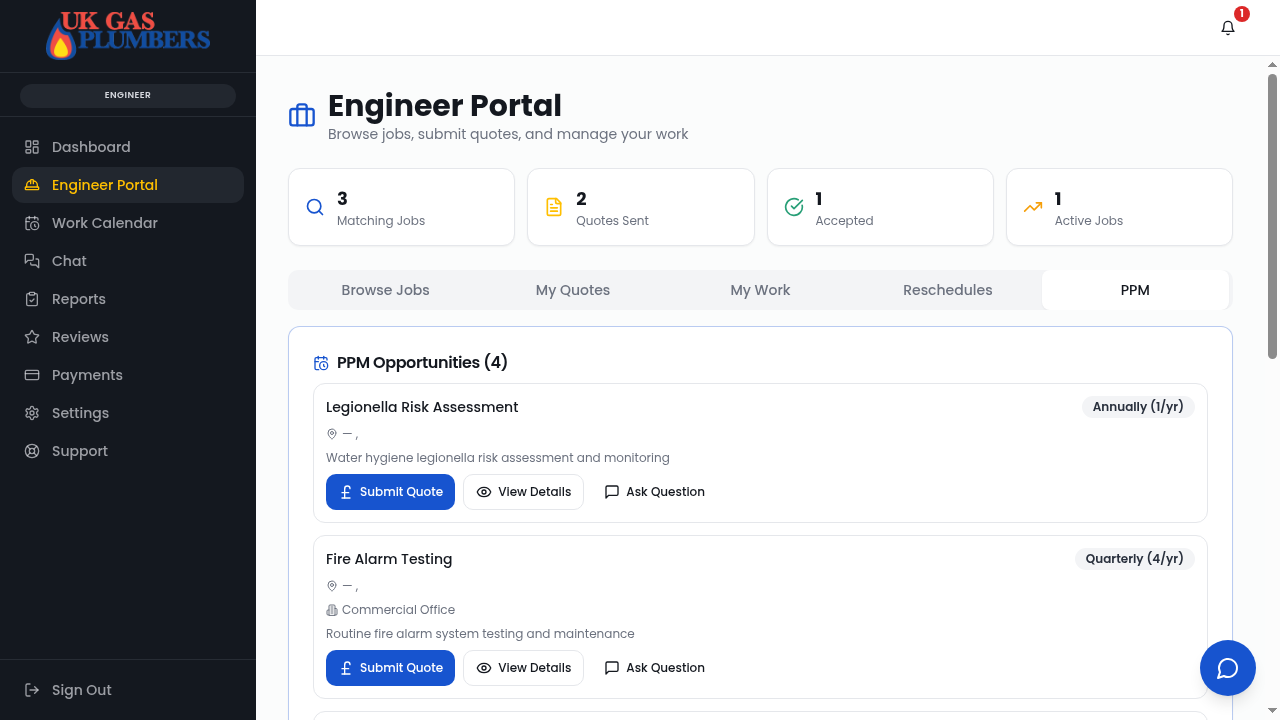
- You may receive invitations for Planned Preventative Maintenance contracts
- Submit a PPM quote with annual/per-visit pricing
- If accepted, visits are scheduled automatically and you'll get reminders
Helpful Tips
Check the notification bell regularly for updates
Use Job Chat for all communication (it's monitored for safety)
The web app works on mobile — bookmark it for quick access
Visit Support Centre if you need help at any point